2026 Payment Information
There are 3 ways to send me your $5.00 (for each entry) by Wednesday, March 18, 2026.
- Send me your $5.00 using Venmo
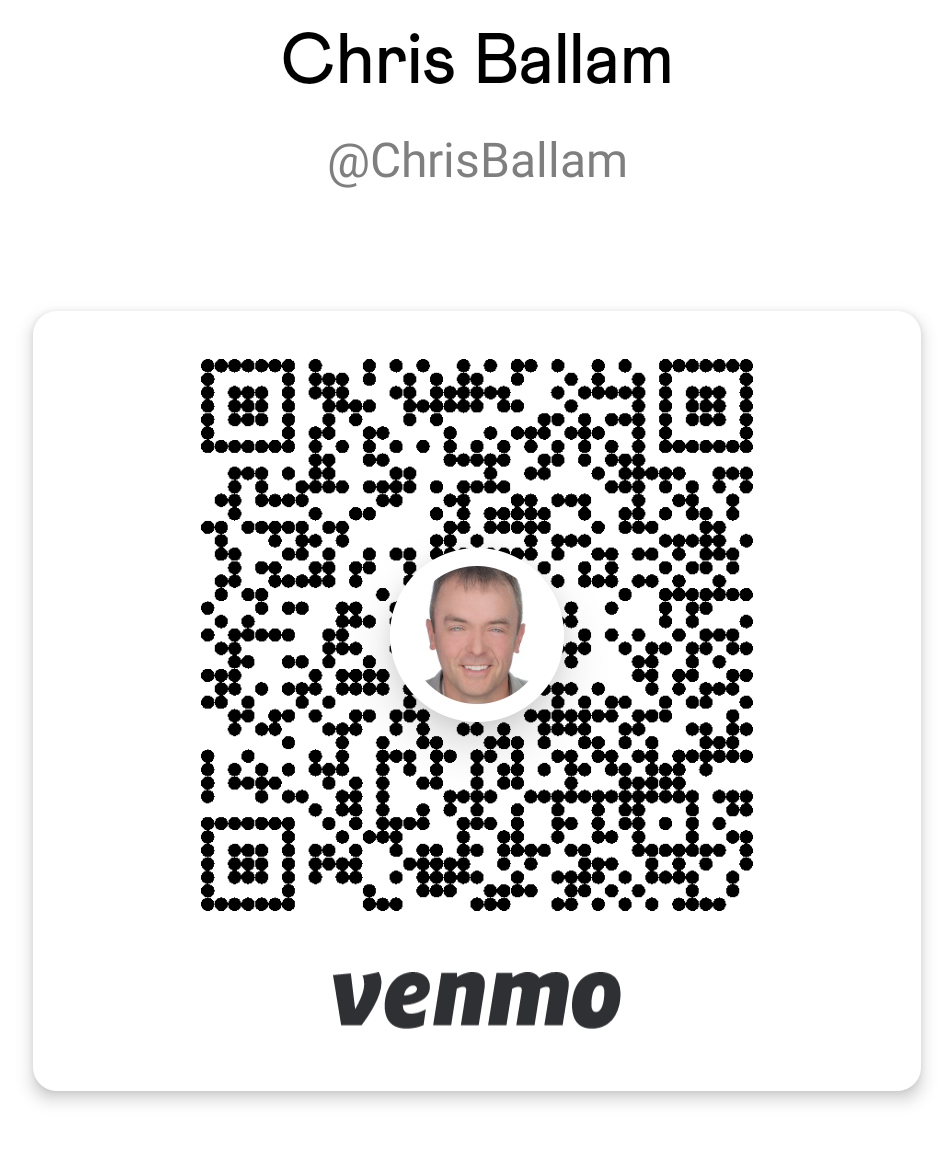
- If you already have a Venmo account, send your $5.00 to @ChrisBallam
- Here is my Venmo QR code
- Send me your $5.00 using PayPal
- If you already have a PayPal account, transfer $5.00 to
In order to avoid PayPal charging me a percentage of your $5 you need to mark the transfer as "I'm sending money to family or friends". Also please note I cannot accept PayPal Credit Card payments. I can only accept PayPal transfers.
- If you do not have a PayPal account, click here:
 to sign up for one. to sign up for one.
- Follow the instructions on how to create a new account with PayPal
- Add either your savings or checking account (I can't receive Credit Card payments because then PayPal charges me 2.9% plus $.30 for each payment).
- After 2-3 days PayPal will deposit 2 small amounts into your bank account for verification.
- Log into PayPal and verify your bank account by entering the amount of the 2 deposits PayPal made into your bank account.
- Once your bank account is verified, transfer $5.00 from your bank account into your PayPal account.
- Send $5.00 from your PayPal account to
. In order to avoid PayPal charging me a percentage of your $5 you need to mark the transfer as "I'm sending money to family or friends". Also please note I cannot accept credit card payments. I can only accept PayPal transfers.
- Send me $5.00 in the mail. If you mail me your $5.00, it must be postmarked by Wednesday, March 18, 2026.
- Mail your entry fee to the address I send you via email.
If you have any questions, please contact me.
Click Here to Enter more Picks
|